How to Make Video Ads With AI Without Guessing (or Late Nights)
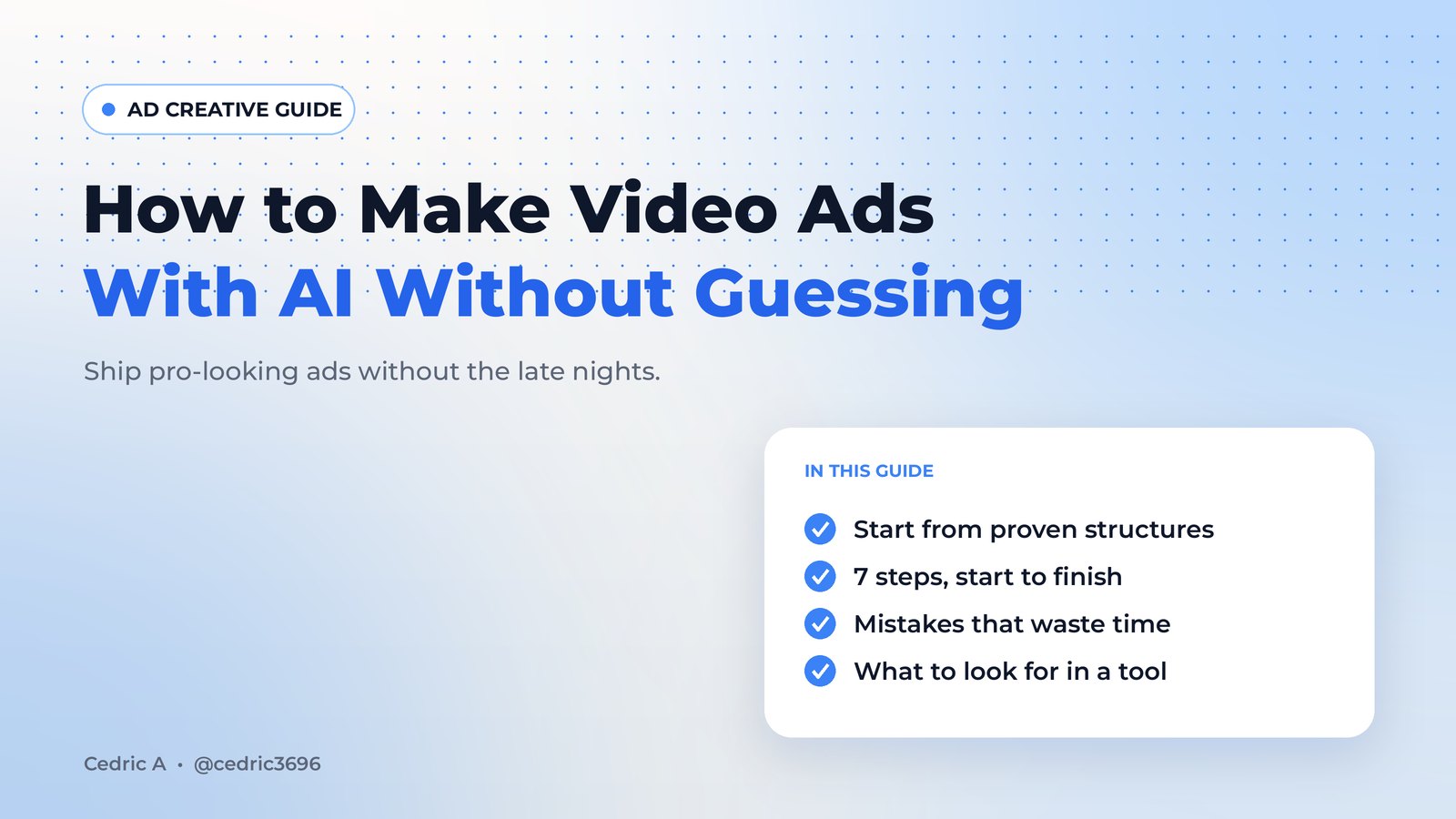
How to make video ads with AI without guessing: 4 approaches compared, a 7-step process, the mistakes that waste the most time, and what to look for in a tool.
Affiliate disclosure: this page contains an affiliate link. If you buy through it, I may earn a commission.
It's 11:40 p.m. The house is quiet, the laptop is warm, and you've been nudging the same 15-second video ad around a timeline for two hours. The hook still feels flat. It has to go live tomorrow, and you're not sure it's any good.
If you run a small business, sell as an affiliate or market your own offers, you probably know that night. The problem usually isn't effort. It's starting every ad from a blank page and hoping.
Now picture the other version. After dinner you pick an ad structure that's already proving itself in your niche, rebuild it around your offer, and have a polished draft before the dishes are done. You post it, close the laptop and actually sleep.
The goal isn't more video. It's the relief of shipping ads that look professional, without the grind.
This guide shows how to make video ads with AI in a way that removes the guessing: the approaches you can choose from, a step-by-step process, and the mistakes that waste the most time.
Why making video ads feels so hard
A strong short video ad usually has four parts:
- A hook in the first second or two
- A simple pattern of shots that keeps the eye moving
- A voice, pace and music that fit the offer
- A clear reason to act
Getting all four right from scratch is where the hours go. AI has made rendering video easy, but rendering was never the hard part. Knowing what to render is. Prompt a video model without a proven pattern and you're still guessing, just faster.
Four ways to make video ads, compared
Hire an editor or agency. You get a skilled human and a polished result. You also pay per project or per hour, wait for each round of changes, and often pay extra for voiceover, thumbnails and versions for each platform. For big brand campaigns, it's still the right call.
DIY in a free editor. Cheap in dollars, expensive in evenings. You're the scriptwriter, editor, voice and designer, and most of the time goes into guessing.
Text-to-video AI from a blank prompt. Fast and impressive for b-roll and concepts. But you still have to decide the hook, script and structure yourself, so the hardest part is still on you.
AI tools that rebuild proven ad structures. You start from ads already running in your niche, break down why they hold attention, and rebuild that structure with your own product, voice and brand. You still make the creative calls, but you're not starting from zero.
For most solo marketers and small teams, the last option is the one that gives the evenings back, as long as you use it the right way.
How to make video ads with AI, step by step
- Find an ad that's already working in your niche. Look for an ad that has been running for a while with a clear offer, not a random viral clip. Public ad libraries, such as the Meta Ad Library and the TikTok Creative Center, let anyone browse live ads.
- Break it down into a blueprint. Write out the hook, the script beats, the shot order, the timing and the audio. That's the structure you'll borrow.
- Rewrite the script for your offer. Same rhythm, your words, and only the benefits your product really delivers.
- Generate the visuals and voice. Use AI for scenes, b-roll, avatars or voiceover where it fits, and your own footage or product shots where they're stronger.
- Add captions, a thumbnail and a clear call to action. Many people scroll with the sound off, so the words on screen do a lot of the work.
- Export the sizes you need. Vertical for Reels, Shorts and TikTok; square or horizontal where a feed calls for it.
- Test a few hooks, then repeat. Launch two or three versions, let the results pick the winner, then rebuild the next proven pattern.
That's what people mean by "clone winning ads." You borrow the structure, not the footage, the brand or the claims.
7 mistakes that waste the most time
- Starting from a blank prompt. It feels creative, but it's the slowest path to an ad that works.
- Copying instead of rebuilding. Using someone else's footage, music, logo or exact script can get your ad rejected and cause legal trouble. Borrow the pattern and make everything else yours.
- Burying the hook. If the first second doesn't stop the scroll, nothing after it matters.
- Packing in too many ideas. One problem, one promise, one action per ad.
- Making claims you can't back up. Ad platforms reject exaggerated promises, and viewers can tell. Keep every line to what your offer actually delivers.
- Ignoring AI labeling rules. Platforms have rules about labeling realistic AI-generated or altered content. Check them, and only clone voices or likenesses you have permission to use.
- Judging an ad on day one. Give each version enough time and budget to tell you something before you kill it or scale it.
What to look for in an AI video ad tool
If you're comparing tools, these questions matter more than a long feature list:
- Does it help you decide what to make, for example by surfacing ads that are already running, or does it only render what you type?
- Can it rebuild a structure around your product, with your brand, voice and message?
- How much is in one place? Script, visuals, voice, music, captions and thumbnails in one workflow saves a lot of exporting and importing.
- How is it priced? Monthly subscriptions, credit packs and one-time licenses all exist. Work out what a normal month of output really costs you, including any credit limits.
- What are the usage rights for the voices, avatars and music it generates?
- Is there a refund policy you can read before you buy?
A long-running ad is a good signal, not proof that the same format will work for your offer. Treat every rebuilt ad as a smart first draft to test.
Frequently asked questions
Can you really make good video ads with AI?
Yes, if you start from a proven structure and keep your claims honest. AI is great at producing scenes, voices and variations; the strategy, the offer and the testing are still yours.
What's the best AI video generator for ads?
The best one for you helps you decide what to make, not just render it. Tools that start from ads already running in your niche remove more guesswork than blank-prompt generators.
Do I need video editing experience?
Not much. Most AI ad tools are built for non-editors. Good judgment about hooks, pacing and captions will improve your results more than editing skill.
Is it okay to copy a winning ad?
Studying the structure of a public ad, such as its hook, pacing and shot order, is common practice. Copying someone's footage, music, brand or claims is not. Use the structure, then make everything else your own.
How many versions of an ad should I make?
Start with two or three hooks on the same body. That's enough to learn something without spreading your budget too thin.
Ship it, then sleep
The relief isn't in owning another tool. It's in closing the laptop knowing tomorrow's ad is done, that it's built on a pattern that's already working, and that it looks like a pro made it. Whether you hire help, prompt from scratch or use an AI tool that rebuilds proven ad structures, the same rules apply: start from what works, keep it honest, and test.
By the way, if you want more information on a product like this, click the link below.
Affiliate disclosure: this page contains an affiliate link. If you buy through it, I may earn a commission.